
Telenor SIM Number Check Code: How to Find It Without Balance
Forgot your Phone Number? You are not alone; it’s very common these days. Using these methods, you can find your Telenor Number without any lengthy processes, even if you don’t have any Balance or internet.
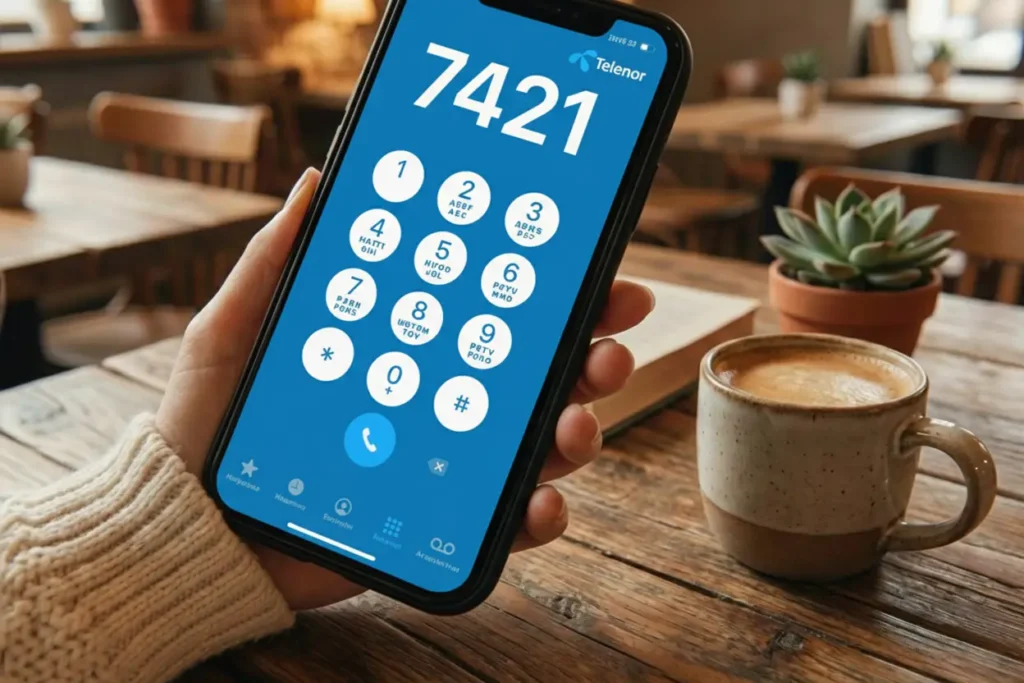
Telenor Number Check Methods – Quick Summary
| Method | Code/Tool | Cost | Requirements |
|---|---|---|---|
| USSD Code | *8888# | Free | Active SIM |
| SMS | Black Message to 7421 | Standard Charges | Active SIM |
| Call | Dial 7421 | Free | Active SIM |
| Helpline | 345 | Free until you talk to a representative | Any Active Number |
| App | My Telenor App | Free | Internet Connection |
| SIM Jacket | SIM Jacket or Purchase slip | Free | Jacket or Purchase slip |
| Online Support | Official Telenor Website | Free | Internet Connection |
Why Do You Need to Check Your SIM Number?
You need your Phone Number in everyday life, such as when you want to share it with a friend or family member. Or if you want to create accounts on different Social Media or Websites, you need ait to register. Whatever the case may be, knowing your number quickly can save you time by using these methods:
Method #1: Telenor Number Check Free USSD Code
This is the fastest way to check your Telenor Number without Balance
- Open your Dial Pad
- Dial *345*4007# or *8888#
- It Appears. Copy and Save in your Contacts
Method #2: Check Telenor Number using SMS
If you prefer texting, then this Method is for you:
- Open your Messaging App.
- Leave the message blank.
- Send it to 7421
- Within the next few seconds, you will receive an SMS
- Note: Standard SMS charges apply, so you must have a small balance or an active SMS Subscription.
Method #3: Check your IT via Call
If you aren’t comfortable with codes, apps, online, and other methods, here is the simplest way:
- Open your Dial Pad
- Dial 7421 from your
- You will receive an SMS automatically.
Method #4: Call the Telenor Helpline
If you do not have an Active Telenor SIM, this method is for you:
- Dial 345 from any mobile network
- Provide your Name and CNIC
- Talk to the Support agent about your issue
Method #5: Check Your Number using SIM Jacket or Retailer Slip
When you purchase a SIM, they will provide a SIM Jacket and a retailer’s receipt.
- Find the retailer’s receipt
- On the front side, your number is mentioned
Method #6:Check Number Through My Telenor App
My Telenor App is for more than just checking your number. You will also check your remaining MBs,
Minutes, SMS, and package details as well:
- Install the My Telenor App from the Google Play Store or Apple App Store
- Click on Start, and your Numer will automatically be fetched
- Log in to your account you will see the number at the top
Note: If information cannot be fetched, proceed to other methods.
Method #7: Check online via the official Telenor Website
You can check your number through the official Telenor Website
- Open the Telenor official website at this link.
- At the bottom right corner, you see the “Telenor Customer Care” Option
- Open it, fill in the required details, and talk to the Support Agent
- Maybe they will ask for information such as CNIC or Name to verify
What If Nothing Works?
Sometimes you may encounter delayed responses due to network issues or service outages. For these issues, please wait a while and then check again. Also, don’t rely on a single method; try different methods if you’re still facing issues. Call the official help line at 345 and speak with a support agent.
Conclusion
Forgetting your Phone Number is very common these days, but checking it again is not a complicated or lengthy process. Whether you dial the Free Simple USSD codes *345*4007# or *8888#, send an SMS to 7421, or call the helpline at 345, it takes only a few minutes.
FAQs
Dial *345*4007# or *8888#, send a blank SMS to 7421, or call the helpline 345.
This USSD code is to check your Number.
This USSD code is to check your number.